
Highlight sensitive terms
before you click
Know when a suggestion might include sensitive content - before you open it
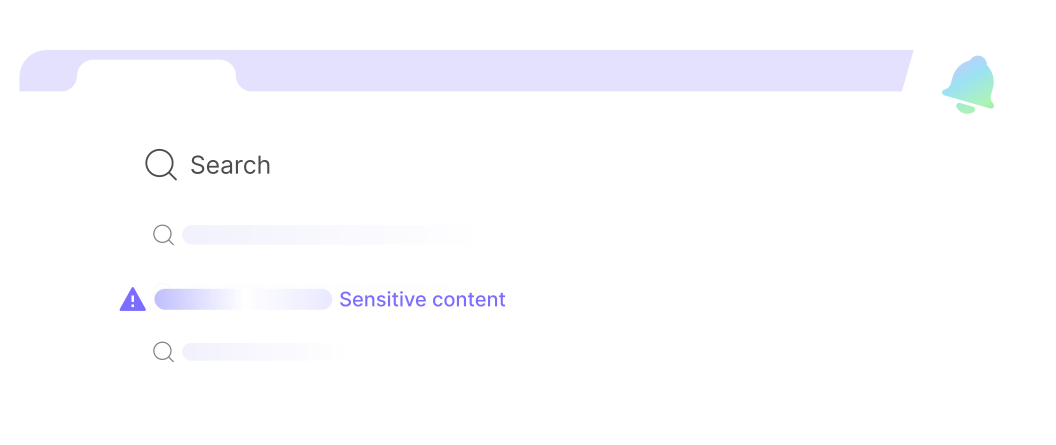
How Does Search Guard Works?

Type your search as usual
Type your query in Chrome’s address bar
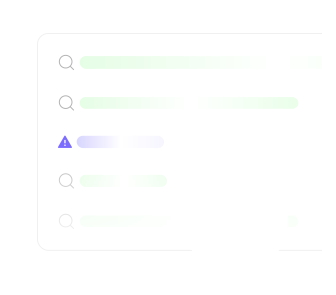
Smart Suggestions
Search Guard checks suggestions in real time
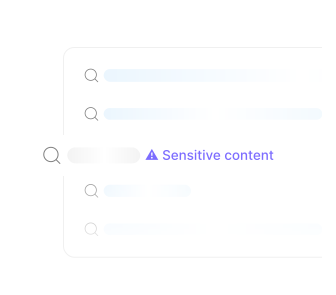
Sensitive content is flagged
Sensitive suggestions are clearly marked with an icon

Reach where you choose
Continue with awareness to your destination
Key Features
Real-time Detection
Instant detection based on predefined keywords
Seamless Experience
No pop-ups, no extra screens - works in your search bar
Mindful Browsing
Make informed choices before opening sensitive topics